Ice skating quiz
I was asked to help study for an ice skating exam. After helping manually, I proposed and implemented an automated version in 30 minutes.
Read More






Published on Jan 01, 2019 by debnera on games
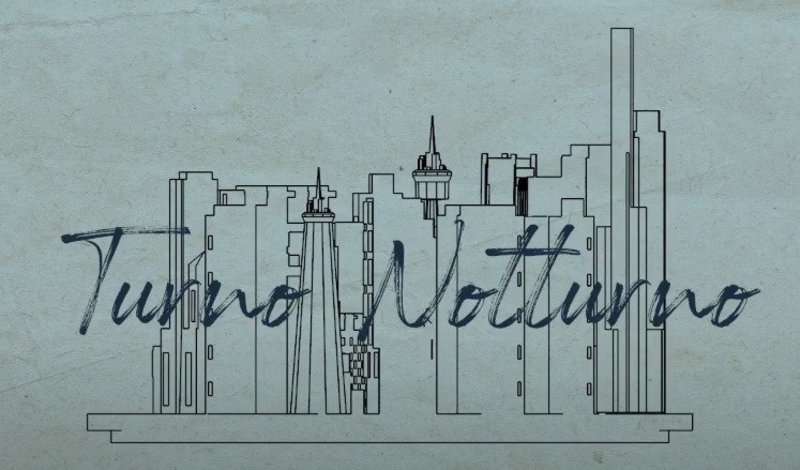
Third and by far the largest project of my Game Design studies. Lightweight horror game about a night shift in a modern museum from the guard’s perspective.
GitHub Repository Download demo
Theme: Final course project, no specific theme
Project duration: ~3 months
Team size: 8
Audio designers: 1
Narrative designers and graphics artists: 4
Programmers: 3
My task: Programming (Interactable objects, painting inspection, save/load, robot-arm, etc…)
Code samples: player-staring robot-arm and the whole Interaction system
Trailer
Description
This is a story-driven game with professional voice acting. It was the final project of my game studies. The game consists of a 3D-museum, with several 2D-minigames in between. It has an eerie athmosphere, but it is not a horror game.
The project is finished and it is fully playable from start to end. However, some textures and 3d models were left incomplete, causing the museum to look a bit bland. There are also a couple of known critical bugs, that would have been easy to fix. But for now, the team has separated and the game is left at this state.
This is my first game that had external professional (paid) voice acting. The voice acting is nice, but as the voice actor never saw the game and we only had one shot to get the lines right, the tone seems a bit off at times.
I tried to create a WebGL build of this game, and to my surprise it runs quite well. However, the build is several gigabytes in size, some of the shaders are broken and some user interactions had problems. I decided it is better to create a downloadable build of the game.
My tasks
We had three programmers, but the third one had significantly less hours allocated to this project (every team member was free to allocate as little or much time to this project as they wanted). Therefore, we had two main programmers and I was one of them. Most of the details I describe in this section are made almost solely by me.
From the technical perspective, the idea is that the player can interact with everything in the museum. This includes doors, drawers, lockers, decorative objects (i.e. newspaper, coffee mug) and buttons. While all of the programmers have had their hands on every aspect of the game, my main focus was the interactions in the 3D-environment along with helping the artists to move their visions in to the game.
A small component of the game that I really like is a robot arm that continuously stares at the player. It was envisioned and created by one of our graphics artist as a robot arm with a set of joints. It was my task to program it to actually follow the player in game. The task itself isn’t that difficult, and it consisted of fairly simple inverse kinematics. If it had more joints, I would have probably used an existing inverse kinematics library. The hardest part was to make the electical motor sounds from the joints play in a non-annoying way and to adjust the movement speed of the joints. A naive approach of having the motors make noise at even the slightest movement was simply not enjoyable.
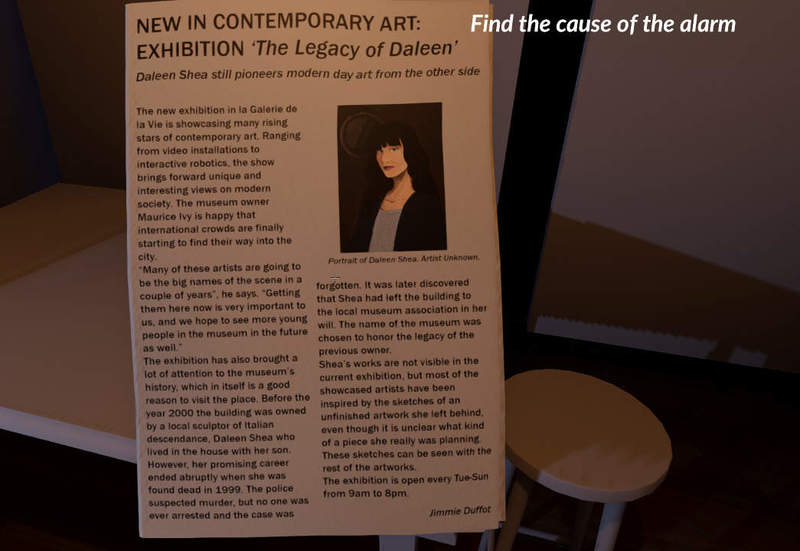
The whole Interaction system is separated in its own folder, as it consists of quite a many pieces. I could have probably used less subclasses, but each subclass had something special. For example, the newspapers have different side facing up on each time it is picked up. This is just a small detail, that made it possible to find a small easter egg containing the names of the team. All interactable objects are subclasses of BaseInteractable that defines the interaction interface. Objects are highlighted and a tooltip is shown when the player is looking at them.
I like playing around with physics, so I made it possible to pick up small decorative objects , such as coffee mugs. The player can carry them around and throw them, but they serve no gameplay purposes. Similarly, the desk drawers can contain small objects. Small objects inside the drawer are moved along with the drawer, which makes them stay in place when opening and closing drawers instead of clipping through. Of course, throwing too large objects in the drawers can cause some interesting side effects.
I also experimented a lot with the door physics. Forcing the doors to close by directly altering their rotation leads to some annoying issues with dynamic objects and it can be possible for the player to clip through a moving door in some cases. Closing the door by adding physics forces or adjusting the angular velocity instead leads to more dynamic interaction. However, now the player can shove itself past an closing door, which looks kinda funny. Again, the door physics do not have any effect on gameplay, as they are solid objects when they are closed and the player can never get through a locked door. But having smoothly operating doors gives the game a nice little extra touch. I also animated the door handles in different ways, depending on whether the door is currently locked or not.
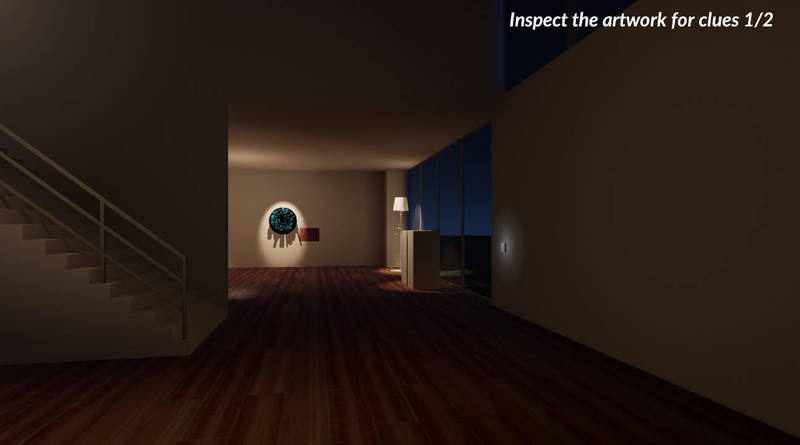
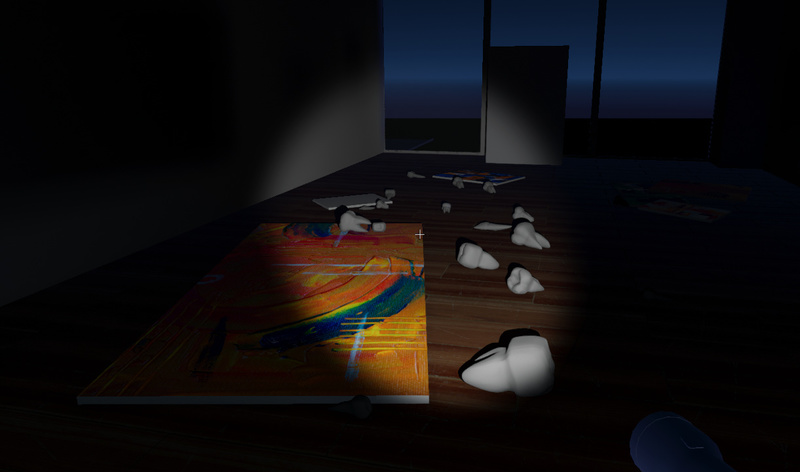
A more complex interactable system is the artwork inspection and clue collecting, which is one of the main mechanics in the game. It completely takes over the player and camera controls to zoom in on the artwork, allowing the player to look for clues.
I also created a simple automatic save/load system , with a debug menu to help the team quickly test the game. The debug menu is still visible in the current build, and it allows switching between the different parts of the game.
Another interesting problem was the progression system of the game. This was more of a joint effort with the other main programmer, and it was not my main task. The system is in charge of altering the scene and keeping track of current player objectives. As everything happens in the same museum, we did not want to have separate scenes for each part of the game. This would have made it very hard for artists to keep working on the visual details of the museum, if each scene would have had to be edited separately. Therefore, we made a script that moves objects in their right positions and creates new objectives for the player depending on the progression of the game. As a result, the script is quite massive and it would become impossible to maintain in a larger project. Therefore, I am not entirely happy with the progression system, but we managed to keep it working for this game. A small improvement would have been to split this massive script in to one script per story act, but I think a bigger project would need a more sophisticated solution.
Known bugs
In-game images
I was asked to help study for an ice skating exam. After helping manually, I proposed and implemented an automated version in 30 minutes.
Read More